
Phoenix AZ web design blog

Phoenix web designer with a unique subscription model - you CAN afford a professional website

Why Using AI to Build Your Website is Bad

Why Using AI to Build Your Website is Bad

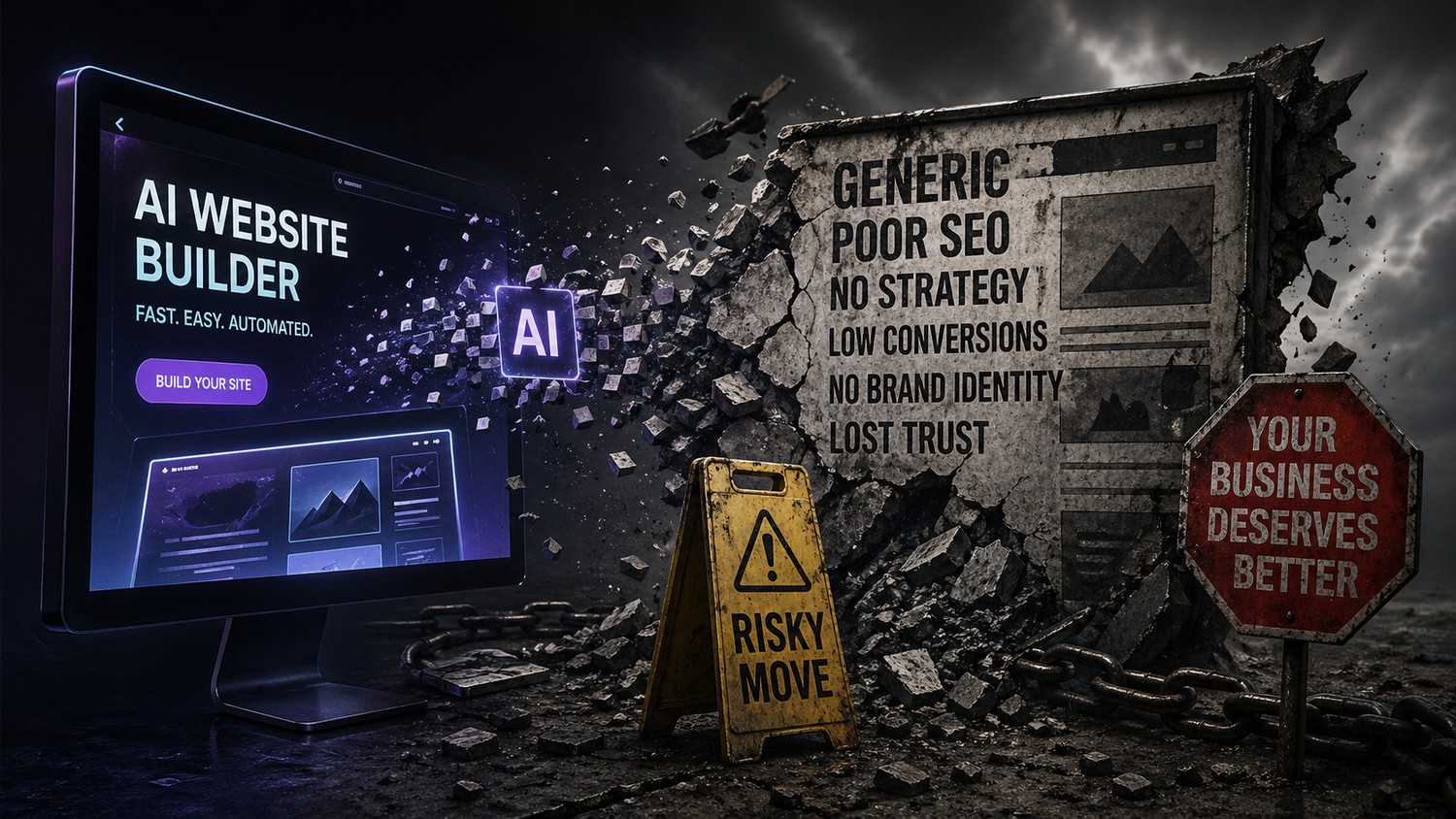
Why Relying on AI to Build Your Business Website Is a Risky Move

Artificial intelligence has rapidly become one of the most talked-about tools in modern business. From content generation to automation, AI promises speed, efficiency, and cost savings. It’s no surprise that many business owners are now turning to AI website builders and AI-generated content as a quick way to get online.

At first glance, it sounds like a no-brainer: faster builds, lower costs, and minimal effort. But when you look deeper, relying heavily—or entirely—on AI to build your website can create serious long-term problems for your business.

Let’s break down why.

The Illusion of “Fast and Easy”

AI tools are marketed as a shortcut: type in a few prompts, click a button, and your website is ready. While that might technically be true, what you get is often a generic, surface-level version of a real website.

A business website isn’t just a collection of pages—it’s a strategic asset. It needs to:

  • Reflect your brand identity
  • Speak directly to your ideal customer
  • Guide visitors toward conversion
  • Align with your long-term business goals

AI doesn’t truly understand your business. It predicts patterns based on existing data. That means

Read more
How Google's new "Ask Maps" search could cripple your local business

How Google's new "Ask Maps" search could cripple your local business

Ask Maps: Google’s AI-Powered Local Search Revolution

Summary: Google’s new Ask Maps feature turns Google Maps into a conversational search assistant using its Gemini AI models[1][2]. Users can ask natural-language questions about locations (“Where can I charge my phone and get coffee in NYC?”) and receive personalized, map-based answers. This shifts Google Maps from simple keyword matching to an intent-driven system[3][4].

For local SEO, Ask Maps means businesses must optimize for nuanced queries: updating Business Profiles with detailed attributes, encouraging descriptive reviews, and creating conversational FAQ content. Early analysis suggests ranking signals like reviews, categories, and on-site content become even more critical[3][4]. Below we explain Ask Maps’ UX and tech, map/search landscape changes, and actionable steps (with effort v impact analysis) for local businesses to adapt—complete with tables, flow diagrams, and a 90-day roadmap.

What Is Ask Maps and How Does It Work?

Ask Maps is a Gemini-powered conversational interface within Google Maps. A new “Ask Maps” button appears in the Maps app under the search bar[7]. Tapping it opens a chat-like prompt (voice or text) where you can pose multi-part, real-world queries. For example: “My friends

Read more
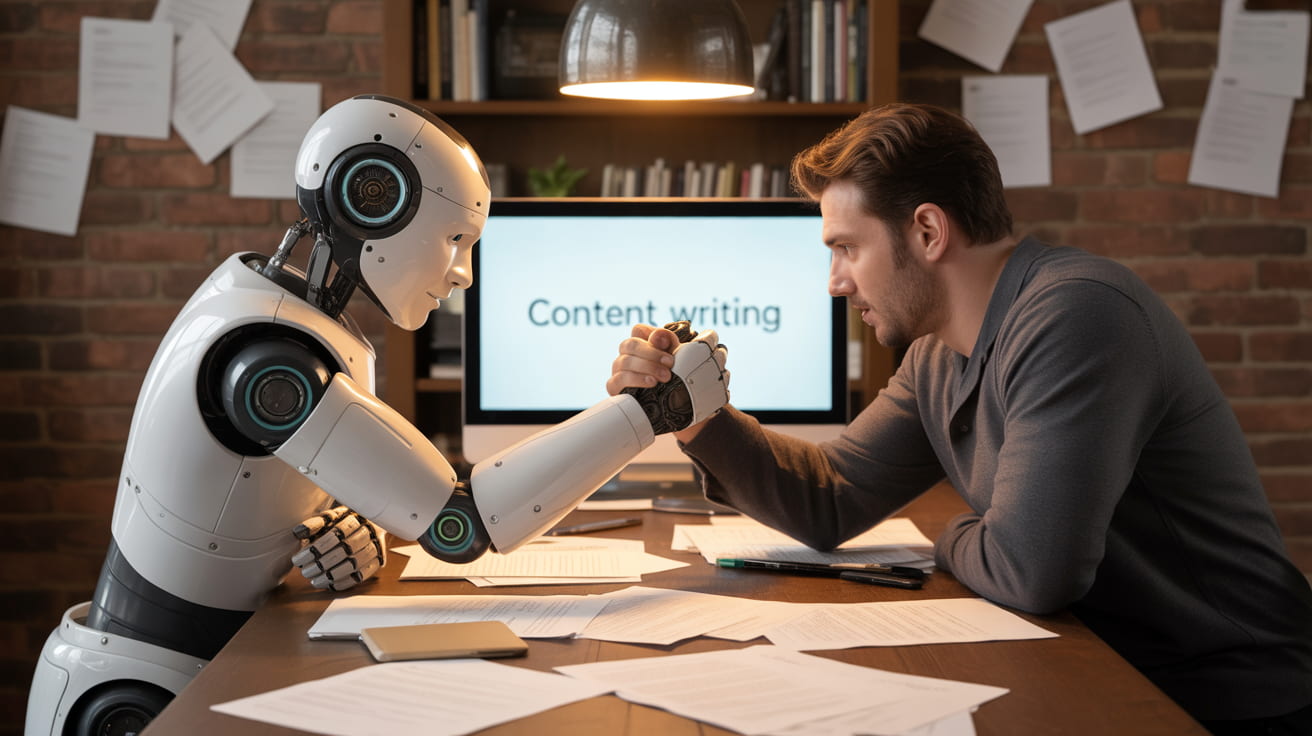
AI vs Human: The Honest Truth About Writing & Web Design in 2026

AI vs Human: The Honest Truth About Writing & Web Design in 2026

AI vs. Human: The Honest Truth About Writing & Web Design

Everyone's picking sides. Let's actually look at both.

If you've spent any time online lately, you've probably noticed that everyone has a hot take on AI. Either it's about to replace every writer and designer on the planet, or it's a glorified autocomplete that'll never beat human creativity. The truth? It's messier — and more interesting — than either camp wants to admit.

Let's break it down honestly. We're looking at two extremes: writing or designing a website entirely with AI, and doing it entirely by hand. No hybrid, no "use AI as a tool" — pure one-or-the-other. Here's what each approach actually looks like in the wild.

Going Full AI: What You Actually Get

Firing up an AI tool and asking it to write your homepage copy or generate a full website layout is genuinely impressive the first time you do it. Within seconds, you've got something that looks… complete. Structured. Almost professional. And for a lot of use cases, that's exactly what you need.

The real strengths of AI-only creation

✓ Strengths
  • Speed. A full landing page draft in 90 seconds isn't an exaggeration anymore.
Read more
Phoenix AI website design & SEO

Phoenix AI website design & SEO

AI is changing website design & SEO for Phoenix business websites. Businesses around Phoenix are now using smart web tools to make their websites more personal and easy to use. These new designs use artificial intelligence to help visitors find what they need faster, see products in new ways, and have a better experience no matter what device they use. This article takes a look at how AI and other new tech are shaping websites in Phoenix, making them more helpful, more fun, and better for everyone.

Key Takeaways

  • AI website design for businesses based in Phoenix helps websites adjust to each visitor, making browsing feel more personal.

  • Adding AR and VR features lets people see products and services in a more interactive way, which builds trust and interest.

  • Mobile-friendly design is now a must, with websites needing to work well on phones and tablets.

  • Simple and easy-to-use layouts, along with small animations, keep visitors interested and make sites more enjoyable.

  • Showing data in clear, interactive ways helps people connect with information and makes websites feel more human.

Leveraging Artificial Intelligence in Phoenix Web Design

It’s pretty wild how much AI is changing things, and website design is no

Read more
Revolutionizing Online Presence with AI Website Design

Revolutionizing Online Presence with AI Website Design

Thinking about getting a website up and running but feeling a bit overwhelmed? You're not alone. The whole process used to take ages and cost a fortune. But now? There's this thing called AI website design, and it's changing the game. It basically helps you build a site way faster and, honestly, it's pretty cool to see what it can come up with. We're going to look at how this AI stuff works and how you can use it for your business, your portfolio, or even just a personal blog.

Key Takeaways

AI website design tools can speed up the process of building a website significantly.

These tools assist with various aspects, from generating initial layouts to writing content.

AI can help web designers create sites for businesses, portfolios, online stores, and blogs. However, it's still important to provide accurate information to AI and review the generated content for correctness. While AI automates tasks, human oversight is still needed for creativity and accuracy.

Understanding AI Website Design

How AI Transforms the Web Design Process

Think of AI in web design like having a super-smart assistant who knows all the rules and trends. It takes a lot of the guesswork

Read more
Why hire a local web designer over one from overseas?

Why hire a local web designer over one from overseas?

That’s a great question — especially if you’re comparing a $5,000 local proposal to a $900 overseas quote. On paper, it can feel like a no-brainer.

But price isn’t the same thing as value. Here’s what you’re really paying for when you hire local.


1. Strategy vs. Just “Building a Website”

A lot of cheaper overseas options are task-based:

“Send content. We design pages. Done.”

A good local web designer should be business-focused:

  • Who are your ideal customers?

  • What action do you want them to take?

  • What objections do they have?

  • How should the site support your sales process?

You’re not just buying a website — you’re buying positioning, messaging, and conversion strategy.

That difference alone can be worth far more than the cost gap.


2. Real-Time Communication (Without Friction)

Time zones matter more than people think.

When you work local:

  • You can jump on a call during business hours.

  • You’re not waiting 12–24 hours per revision.

  • Nuances in tone, branding, and industry language are easier to communicate.

  • Cultural context aligns naturally.

Small misunderstandings in web projects turn into expensive delays fast.


3. Accountability Is Different

If something breaks:

  • Who fixes it?

  • How fast?

  • Are they still in business next

Read more

When you don't know what you're doing!

Is AI going to put website designer and content creators out of business? Not any time soon. One day? Maybe.

So, I was watching some YouTube videos yesterday and this ad from GoDaddy popped up filling me with zero confidence in their product (and AI in general). With GoDaddy Airo you can do stuff, like build a website, like you know what you doing. Obviously, this means you don't know what you're doing, so how do you understand if AI does something silly? Answer, you don't, so you'll upload a silly "website".

Will GoDaddy's product build you a good-looking website? Possibly. Will it contain quality content, be laid out logically, be correcly optimized? Probably not. 

This is your business, your livelihood. For one, why are you spending time working on something you're not experienced in, that can potentially hurt your business, rather than doing what you're skilled at? Secondly, do you really trust a robot to build an entire, unique website for you? Imagine you're a plumber and you ask your AI "web designer" to build you a plumbing website. Then a second plumber signs up and asks it to build him a plumbing website. How different will they be? Likely

Read more

Not looking back is a bad thing!

Anyone who knows a little of the Old Testament of the Bible will know the famous story of Sodom and Gomorrah, and how, while fleeing from the city prior to its destruction, Lot's wife looks back and is turned into a pillar of salt. If this story (or the moral behind it if you choose not to believe the story literally) is true, how can I say looking back is sometimes a good thing? It all comes down to the heart attitude (call it "the motive") behind the looking back.

This is NOT a political blog post, but as we head into the election season, this is something we all need to do. I, for one, have, in the past, just blindly voted for the party I've always voted for. Thanks to my darling wife, who has "educated" me, I now look at current policies, as well as looking back at their track record. What have they accomplished? How did they vote in the past? This is not just important, but critical in making an educated and informed choice and acting in a positive way.

Websites, Online Marketing & Looking Back

I promised this wasn't a political post and it

Read more

Communication & getting it right

So, we have our house on the market. You all know the stress that comes with that. We got an offer this week, about a week after they viewed the place. Then they wanted an answer by the next morning. The prospective purchaser's realtor must have been a rookie as our counter-offer had about 10 line items in it which were just to correct the rookie blunders she made in the paperwork. Not to mention the fact that she went silent on our realtor for days at a time. Right now, as I write this, after wanting a 12 hour timeframe answer, we're still waiting to hear back from them, and she isn't responding to our realtor at all.

I was taught that, when people contact you, at the very least, you acknowledge their contact; preferably give them a timeframe for a response if you can't immediately respond, or tell the person what you're doing. This interaction has been the polar opposite of what we, at CitrusKiwi, view as a normal.

We all drop the ball

Screw it up... put it right!

It's an unfortunate byproduct of being human - we all screw up sometimes. Decent people respect that if you

Read more
User-friendly website design tips

User-friendly website design tips

Designing a website with a focus on improving customer ease of use involves creating an intuitive, accessible, and efficient user experience. Every website has millions, if not tens or hundreds of millions, of other websites, competing for your potential customer's attention and money. Good enough" is not good enough in today's crowded digital landscape.

Here are some key principles and strategies to consider:

  1. Clear Navigation: Ensure that your website has a clear and consistent navigation structure. Users should be able to find what they're looking for with minimal effort. Use breadcrumbs, search functions, and logical menu structures to assist users in navigating your site. As a rule of thumb, all the most important information should be no more than ONE click away. If, for some reason, you can't make this work on your regular menu structure, consider using links or buttons ion your header area to get those important links front and center.
  2. Responsive Design: With the increasing use of mobile devices, your website must be responsive. This means it should automatically adjust to look good on all devices, including desktops, tablets, and smartphones. While this was once a great idea, it's now one of the major building
Read more